
This fortnight, we connected Amazon Inspector findings to affected assets and Issues, added downloadable assessment reports in Apex, Cantina’s autonomous pentester, and brought investigation follow-ups into Slack threads.
Follow a vulnerability from finding to affected asset
An alert is only the start of an investigation. You still need to understand which assets are affected, which package versions are involved, and what the latest evidence says.
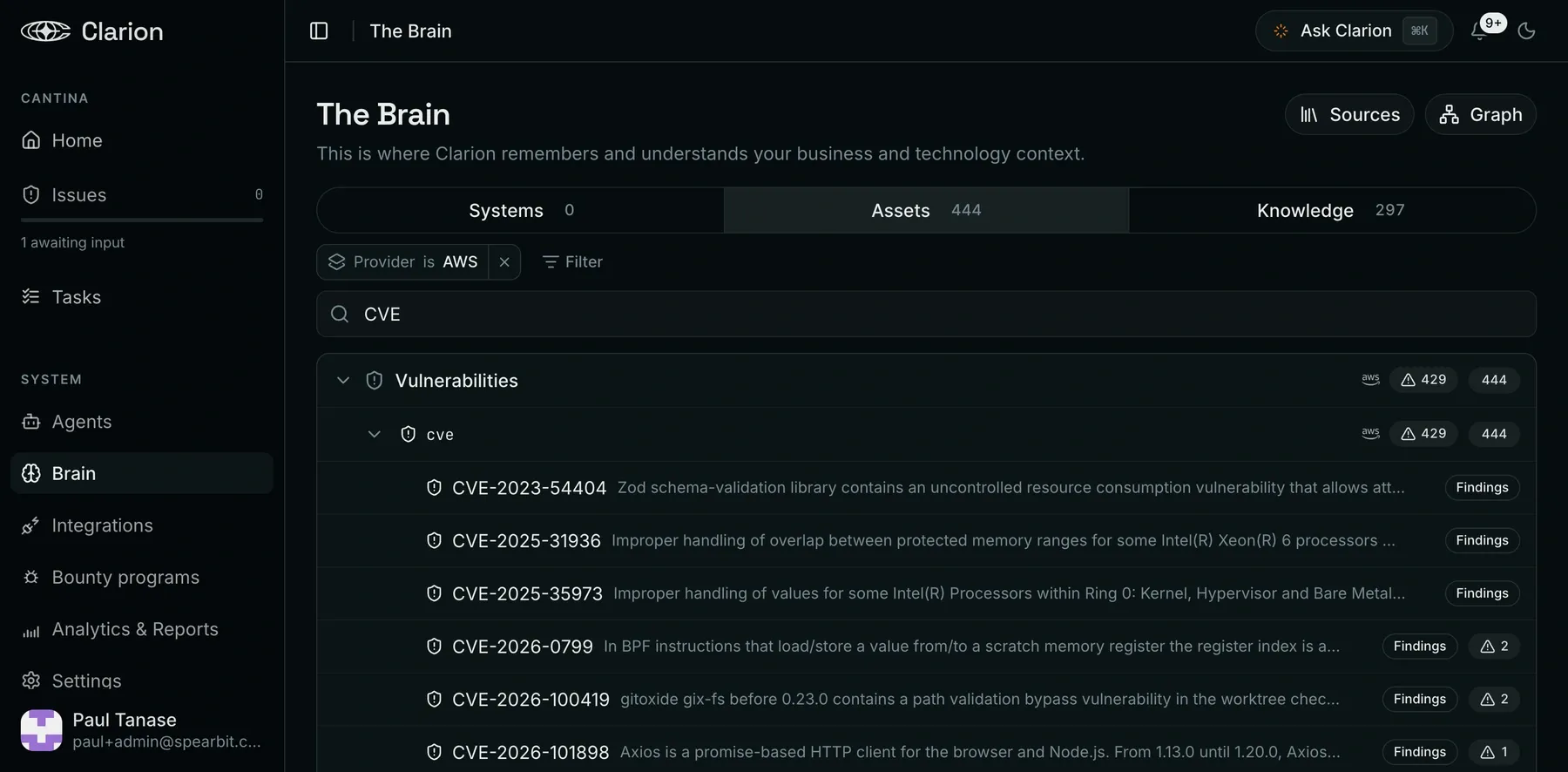
Amazon Inspector findings now connect to assets and Issues in Clarion, with searchable findings inside each Issue. Agents can also query live Inspector findings and scan coverage through optional, read-only tools, giving investigations access to current provider data when you enable the required permissions.
We’ve expanded the context around those findings in the Brain. CVEs, GitHub Security Advisories and vendor advisories connect to affected Issues, resources and package versions. Packages discovered through Inspector link into the shared catalog used by repository scans and Wiz, helping you follow the same dependency across different sources.
And when fresh Inspector evidence contradicts an earlier resolution, the Issue can reopen for follow-up. That gives teams a way to revisit a decision when the underlying evidence changes.
Take assessment results into your next conversation
Apex Black assessment completion summaries now include access to a downloadable PDF report. Authenticated, short-lived download links give you a way to take the assessment into an engineering review or share the downloaded report with the people responsible for remediation.
You can take the results into those conversations without rebuilding a report by hand.
Keep the investigation going in Slack
You can now reply in an escalation thread to continue triaging an Issue, or reply to a scheduled-run thread to continue that run. Responses stay in the thread, and the investigation timeline links back to the original Slack reply.
You can also attach PDFs, Word documents and text files in chat or Slack. Add a runbook, design note or other supporting document to give the conversation more context without copying it into a message. In the browser, attachments support files up to 10 MB, with drag-and-drop upload.
Less setup friction, clearer next steps
A few smaller improvements make day-to-day work easier:
- Connect integrations from chat. Embedded connection flows and readiness information help you finish setup where you’re working. AWS setup now identifies missing permission groups more clearly.
- Return to your own view of Issues. Personal saved filters let you keep a useful view ready for the next review.
- Share agent-building sessions. Dedicated Builder URLs let teammates open the same session. Continuing a session requires the appropriate management permissions.
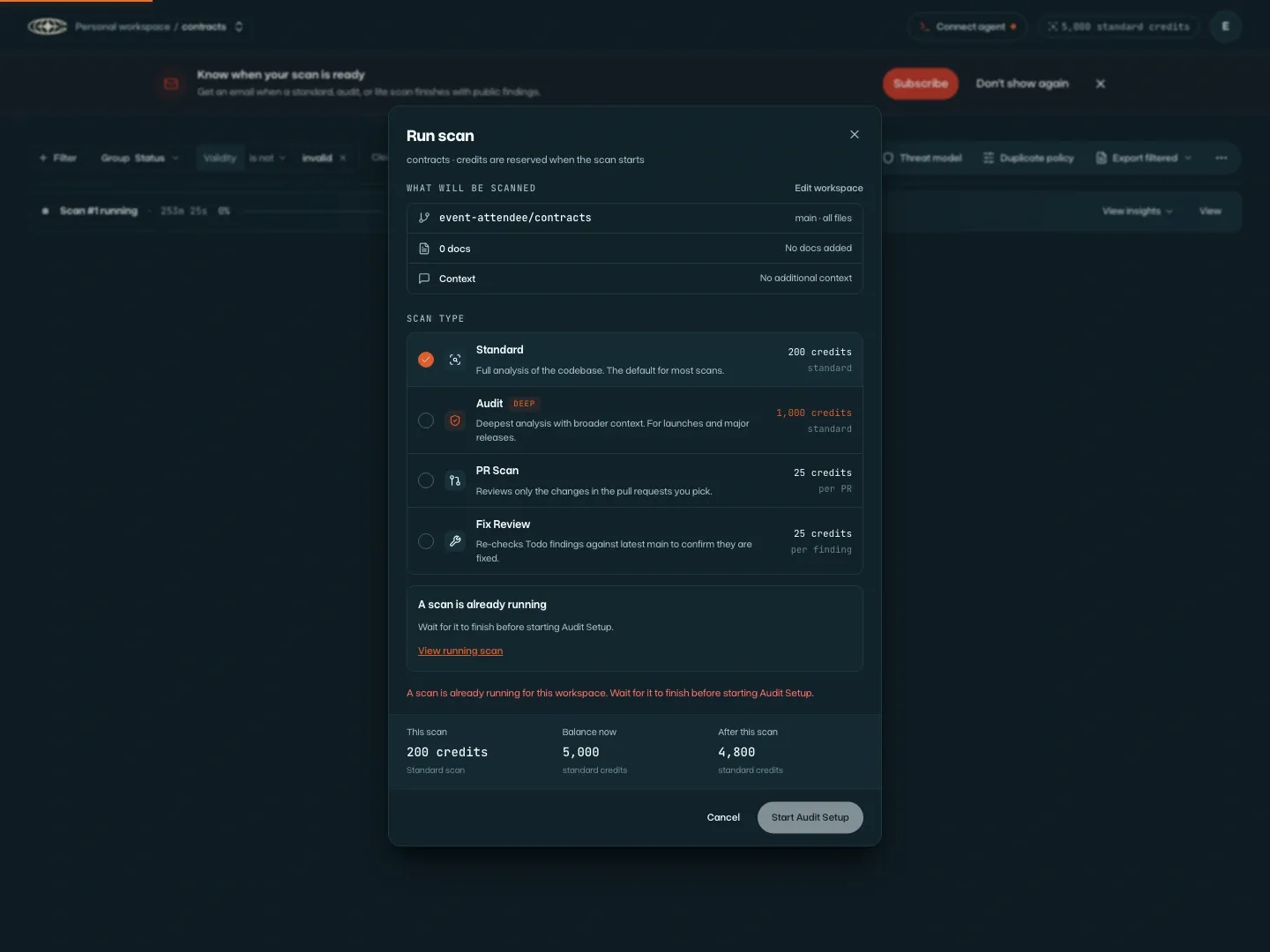
- Find the scan already in progress. If a workspace scan is queued or running, the setup screen disables the button to start another and links to the existing scan.
For the previous release, read What We Shipped: Introducing Apex Flash-1.