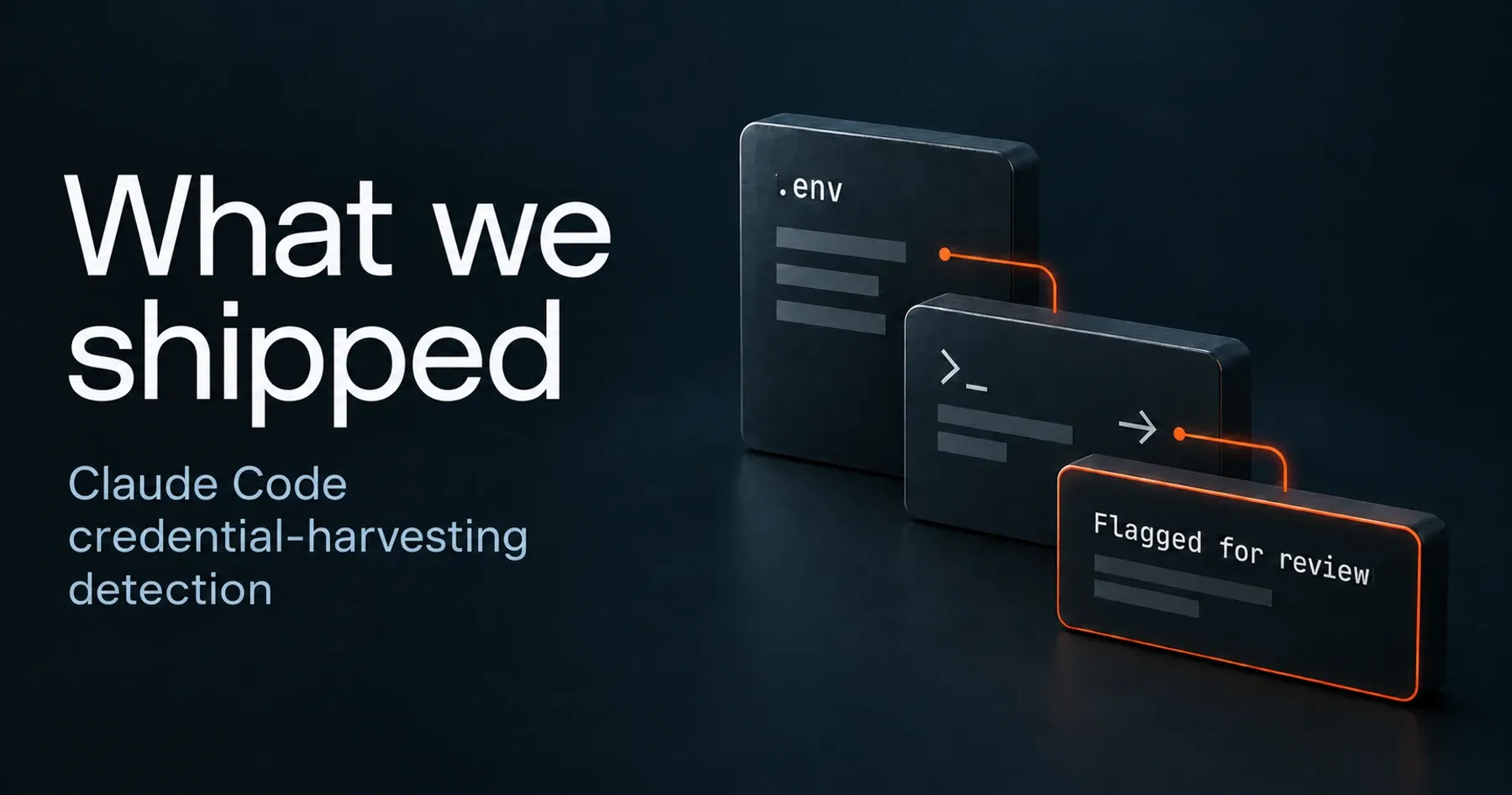

Clarion now gives security teams visibility into Claude Code and the MCP servers it uses. This release also adds human approval requests in Slack and Teams, Apex Audit Setup, external exposure sweeps, Apex CLI improvements, shared agents and skills, and stronger controls over what agents can do.
Clarion discovers Claude Code connections and treats MCP servers as governed assets.
August 26 release highlights
- Claude Code and MCP identification: Clarion ingests Claude Code telemetry and automatically inventories connected MCP servers.
- Human approvals: Scheduled agents can pause, ask a named person for a decision in Slack or Teams, and resume with the answer recorded.
- Apex Audit Setup: Teams can review and revise the exact scope an Apex scan will use before approving it.
- External exposure checks: New sweeps cover public Replit deployments, Vercel deployment protection and dangling subdomains.
- Developer workflows: The Apex CLI can scan an exact commit, while Clarion issues can be handed directly to a coding agent.
Claude Code telemetry
Engineering teams adopted Claude Code faster than security teams gained visibility into it. Clarion now ingests Claude Code telemetry as security signals and turns the MCP servers those agents connect to into first-class assets. They are discovered automatically rather than declared by hand.
Security teams can approve or deny an MCP server in Clarion. That verdict is then attached to every signal the server produces. Approval prompts name the server and explain why access is being requested, so the person making the decision knows exactly what they are approving. Denied and not-yet-reviewed remain separate states because they mean different things.
Human approvals
When a scheduled Clarion run reaches an ambiguous decision, it can pause instead of guessing. It asks a named person for clarification and resumes with the answer. The request appears in Slack or Teams with the relevant issue named on the card, and the approval is recorded in that issue’s audit log.
Apex Audit Setup
Apex Audit Setup, currently in beta, makes scan scope readable before the work starts. Teams can answer the questions Apex generates or let Apex generate the answers, attach their own context, and review the exact contract the scan will use before approving it. The screen shows context compilation as it happens, so a longer scoping run is no longer a blank wait.
Slack destination controls
Clarion agents can no longer message someone outside their approved remit. Slack destinations are enforced on the server rather than trusted from the agent’s configuration. Anything outside the permitted scope requires human approval first.
External exposure checks
This release adds three scheduled sweeps for exposure created as infrastructure changes:
- Replit Enterprise exposure: Scan an account for deployments that are public to avoid unauthorized access.
- Vercel deployment protection: Verify which preview and production sites are reachable from the open internet to avoid unauthorized access.
- Dangling subdomains: Reduce subdomain takeover risks by finding DNS records that still point to infrastructure your organization no longer owns.
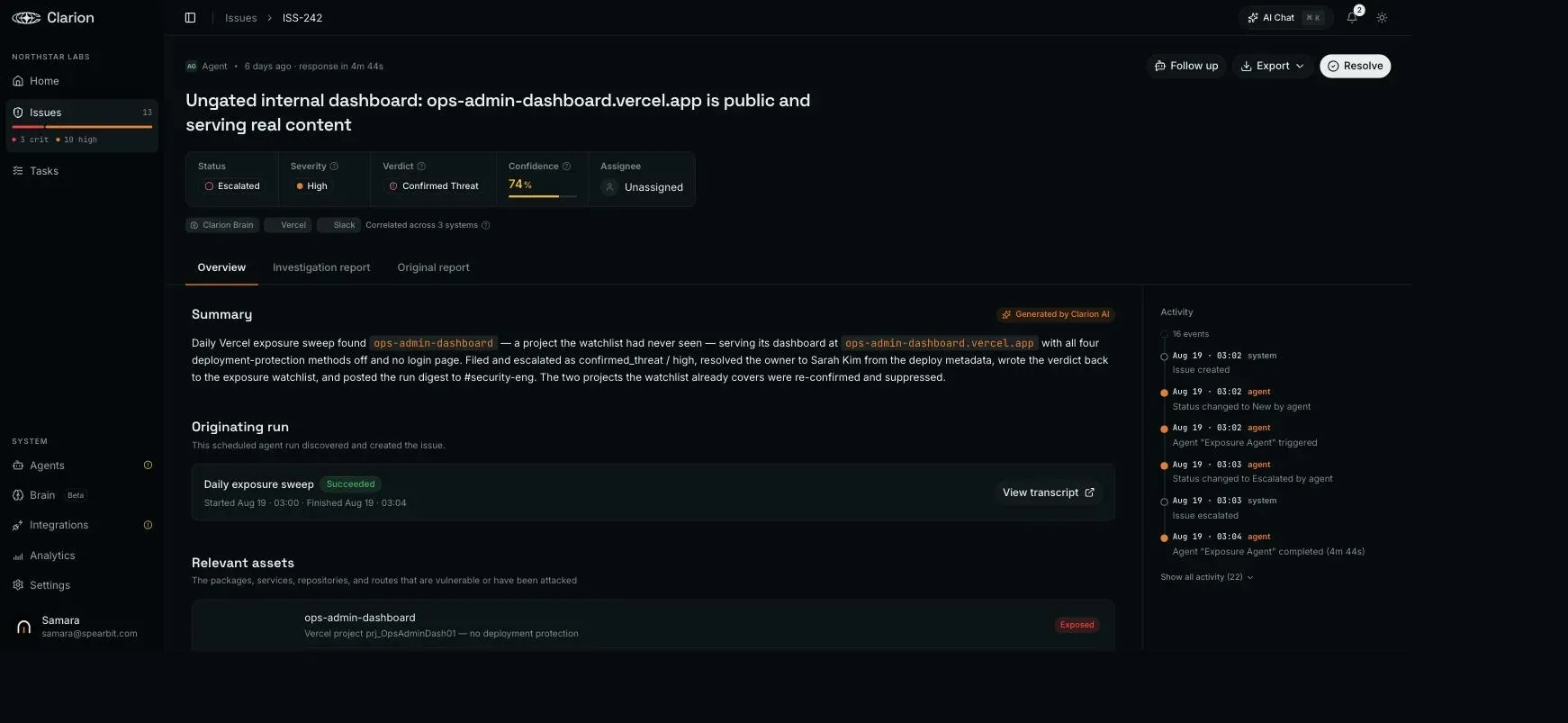
Clarion checks Replit, Vercel and DNS for exposure that can appear as infrastructure changes.
More updates across Clarion and Apex
- Hand an issue directly to a coding agent. Copy as prompt turns a Clarion issue into a ready-made prompt, so the system that found the problem can brief the system that fixes it.
- Ask which services ship a package. npm and PyPI packages are now first-class assets. When a new vulnerability lands, teams can query their inventory instead of grepping repositories.
- Retain contextual information about your environment. Workspace instructions apply to every triage run, so information learned does not need to be explained every week.
- Scan code from the terminal. The Apex CLI is available on npm. Point it at a commit and it scans that exact commit. Pull-request scans no longer wait for a workspace scan to finish.
- Start from an existing agent. Cantina now has a public library of shared agents and skills, so a new detection does not have to begin with a blank page.
- See how long a scan will take. Scans now show a time estimate instead of spinning without an expected finish.
- Connect Vanta and Wiz. Both are now in the Cantina integration catalogue. The Vanta integration includes an agent that works the vendor risk review queue rather than only syncing data.
Improvements
- You should not have to reject the same finding twice. Clarion settles repeat findings instead of re-triaging them every day, and Apex holds back rediscoveries of findings already marked invalid.
- Clarion’s analysis now appears above the raw alert. Teams see the conclusion before the noise that triggered it.
- Search understands intent and typos. Searching for SSO returns Okta and related resources.
- Asset inventory stays current. Auto-sync is on by default in every workspace, and existing workspaces were backfilled.
- Every Apex scan now shows its cost.
What this release means for security teams
Security teams now get a clearer inventory of AI coding agents and MCP servers, a documented path for human approvals, and more ways to find external exposure before it becomes a backlog. Clarion carries that context through triage and action, while Apex gets clearer scoping and faster developer entry points.
See Clarion, explore Cantina’s security agents, or get a demo.